Git tools
1 / 8Git tools
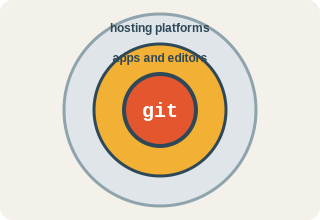
Git itself is one command-line program on your computer. Everything else is a layer on top of it: places to host repositories and friendlier ways to drive the same commands.
In this topic
Git works locally
Git is complete on one computer. Hosting is an optional extra.
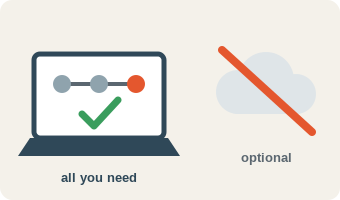
Commits, branches, history and undo all work offline, in the .git folder of your project.
git init in any folder is all it takes to start versioning it.
Git is the tool. GitHub is one of several websites that host Git repositories.
Hosting platforms
A shared home for a repository on the internet, with teamwork features around it.
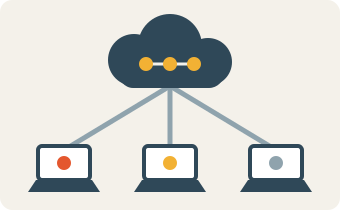
The three best-known platforms. All of them host ordinary Git repositories, so the Git commands are the same.
The platform is the remote you push to: a copy off your computer that teammates can clone.
A request to merge your branch, with a place for others to review and comment first. GitLab calls them merge requests.
A list of bugs and tasks kept next to the code.
Continuous integration: the platform runs your tests automatically on every push.
GUI clients
Desktop apps that show the history as a picture and let you click instead of type.
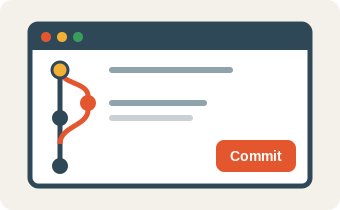
Seeing the branch graph, staging part of a file, and resolving merge conflicts side by side.
GitHub Desktop, Sourcetree, GitKraken, Fork.
Every button runs a Git command. Knowing the commands helps you understand what the app did.
Editor integration
Git inside the editor you already use, right next to the code.
The built-in Source Control panel stages, commits, pushes and pulls.
PyCharm, IntelliJ IDEA and the others have Git built in, including a merge conflict tool.
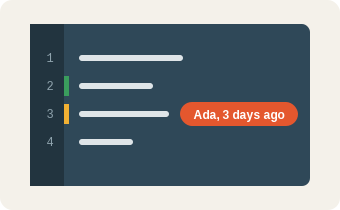
Coloured marks beside the line numbers show what you added, changed or deleted since the last commit.
git blame without the command line: the author and commit appear beside each line. Hosting platforms have a blame view too.
Terminal helpers
For people who stay in the terminal but want fewer keystrokes.
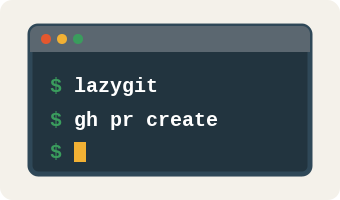
A full-screen terminal interface for staging, committing, branching and rebasing with single keys.
A lightweight history browser for the terminal: log, diff and blame views.
The gh command handles what Git itself does not know about: gh pr create opens a pull request from the terminal.
Automation and configuration
Small files and scripts that make Git do the routine work for you.
A file listing what Git should never track: build output, passwords, editor settings.
Scripts Git runs at set moments, such as just before a commit. Often used to run tests or a formatter.
A popular tool that installs and manages hooks from one shared configuration file.
Your own short commands: after git config --global alias.st status, typing git st runs git status.